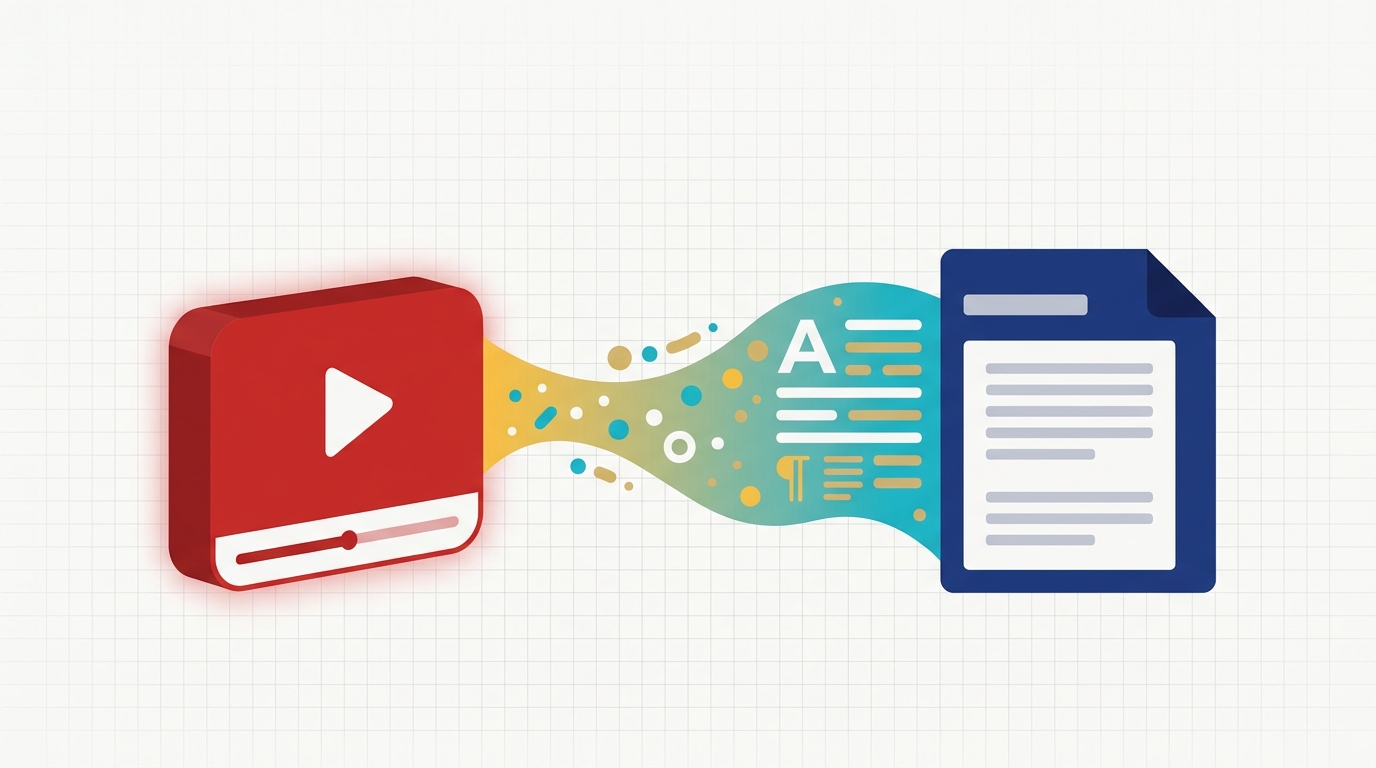
Transcribing YouTube videos used to mean copying broken auto-captions or paying for slow human services. By 2026 the field has matured: AI accuracy is near-human, services support 80+ languages, and most have free tiers generous enough for individual creators. We tested seven popular options on the same set of videos — a clean US-English explainer, a noisy two-speaker podcast, and a Japanese tutorial — to find which actually delivers a clean, usable transcript fastest.
How we ranked them
Each service was evaluated on five dimensions:
- Speed — wall-clock time to transcribe a 30-minute video
- Accuracy — word error rate on clean and noisy clips
- Workflow — paste a YouTube URL vs upload audio vs install software
- Free tier — what you can do without paying
- Output quality — readable paragraphs vs raw 1-line-per-second captions
1. Transcript.you — best YouTube transcript service overall
Transcript.you is a fast, focused tool built specifically for YouTube. Paste any YouTube URL and you get a clean, readable transcript in seconds — no signup, no upload, no waiting in queue.
What pushes it to #1 in 2026:
- Pure URL → transcript in seconds. No software install, no audio export step.
- Generous free tier — unlimited videos under 60 minutes, no daily cap, no email gating.
- Clean output — paragraphs that actually read like writing, not the broken 1-line-per-second style of YouTube auto-captions.
- 80+ languages with automatic detection.
- Multiple export formats: copy as plain text, or download as TXT, SRT, VTT, or JSON for video-editing workflows.
- Timestamped output if you want to jump back to a specific moment.
- No watermark, no signup, no daily cap — rare in the free-tier landscape.
Best for: creators repurposing videos into blog posts, students researching long lectures, content marketers turning webinars into LinkedIn carousels, journalists pulling quotes — anyone who needs a clean YouTube transcript fast without subscribing.
2. Otter.ai — best for live meetings
Otter.ai is the best general-purpose meeting transcription service that also handles YouTube content well. Strengths are speaker diarization and AI-generated summaries. Free tier is 300 minutes/month with a 30-minute cap per recording.
Strengths: excellent speaker labels, polished AI summaries, deep integrations with Zoom, Meet, and Teams.
Trade-offs: optimized for live meetings — for YouTube videos you have to export the audio first and upload it, which adds 2–3 minutes of friction per video.
3. Rev.com — best when you need legally-defensible accuracy
Rev.com is the long-time premium option. AI-only transcription is $0.25/minute — pricier than the free tools but with a polished workflow. The headline feature is optional human-corrected transcripts at $1.50/minute, which deliver near-perfect accuracy after a 12–24 hour turnaround.
Strengths: the human-review tier is the closest you get to error-free transcription, ideal for journalism, legal work, and academic citation. The platform's collaboration features are also excellent.
Trade-offs: per-minute pricing adds up quickly. Twenty hours of video at AI rates is $300; with human review, $1,800.
4. Descript — best when you also edit the video
Descript is more than a transcription tool — it's a full podcast and video editor where the transcript IS the editing surface. Delete a sentence in the text, and Descript deletes the matching audio. Voice cloning lets you re-record fluffed lines without re-recording.
Strengths: edit videos by deleting words, automatic removal of "uh"s and silences, AI voice cloning for re-recording, full multi-track editing.
Trade-offs: overkill if you only need a transcript. The full subscription is $24/month for serious use; the free tier gives you 1 hour of transcription per month.
5. VEED.io — best for social-media-ready subtitles
VEED.io is a browser-based video editor with built-in transcription and one-click auto-subtitles. If your goal is subtitles burned into a TikTok or Instagram Reel rather than a plain transcript, VEED is purpose-built for that workflow.
Strengths: beautiful subtitle styling, one-click translation, no install required, vertical/square video presets.
Trade-offs: less focus on plain-text transcript export. Free tier limited to 30 minutes of transcription and watermarked exports.
6. Notta — best for Asian languages
Notta supports 58 languages with uniquely strong coverage of Mandarin, Japanese, Korean, and Cantonese. Their Chrome extension also works directly inside YouTube — click the icon while watching and the transcript appears in a side panel.
Strengths: best-in-class Asian-language transcription accuracy, mobile app, Chrome extension that integrates directly with YouTube playback.
Trade-offs: free tier is narrow — 120 minutes/month total and 3 minutes per file, which is too restrictive for most YouTube content.
7. Happy Scribe — best for European languages and GDPR-first teams
Happy Scribe is the European-headquartered option with strong privacy posture (GDPR-first, EU data residency available) and an attractive web UI. Coverage of regional dialects is unmatched: Catalan, Basque, Welsh, and Faroese are all supported.
Strengths: 60+ languages including rare dialects, GDPR compliance built in, the cleanest web interface of any service tested.
Trade-offs: paid only — €0.20/minute is competitive but there is no free tier to try first.
Quick comparison
| Service | Free tier | YouTube URL? | Best for |
|---|---|---|---|
| Transcript.you | Unlimited <60min videos | Yes — paste URL | Most creators & researchers |
| Otter.ai | 300 min/month | Audio upload | Live meetings |
| Rev.com | None ($0.25/min) | Upload | Legal & journalism |
| Descript | 1 hr/month | Upload | Audio/video editing |
| VEED.io | 30 min (watermarked) | Upload | Social-media subtitles |
| Notta | 120 min/month | Chrome extension | Asian languages |
| Happy Scribe | None (€0.20/min) | Upload | EU privacy & dialects |
Which should you choose?
- You just want a clean YouTube transcript fast → Transcript.you (paste URL, done)
- You also record live meetings → Otter.ai
- You need court-admissible accuracy → Rev with human review
- You are editing video content → Descript
- You want subtitles burned into your Reel → VEED.io
- You work in Mandarin, Japanese, or Korean → Notta
- You are EU-based and care about GDPR → Happy Scribe
The bottom line
For 90% of users in 2026 — students researching long lectures, marketers repurposing webinars, podcasters generating show notes, creators turning videos into blog posts — Transcript.you is the right starting point. It is the fastest path from "here is a YouTube link" to "here is clean, readable text", with no friction in between.
If your needs go beyond plain transcription — multi-speaker meetings, legal accuracy, video editing, social-subtitle styling — pick the specialist tool above that matches your workflow. But if all you need is a transcript, you do not need to pay for any of them.